


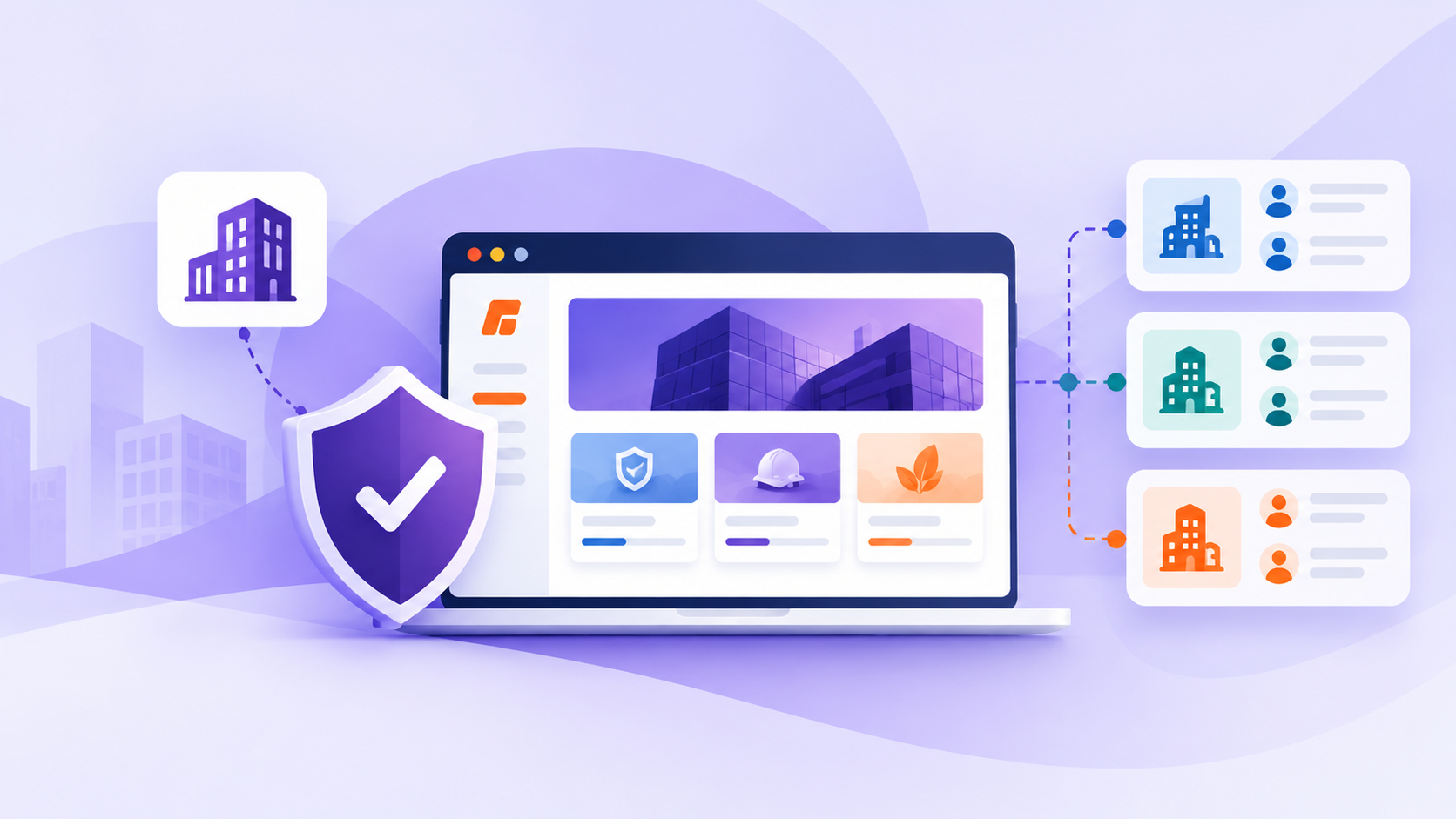
Enterprise buyers judge you fast. Before they believe your training will work for hundreds or thousands of people, they look at one thing: your client training portal. If it feels clunky or confusing, trust drops. If it feels clean, branded, and reliable, your buyer can breathe easier and move the deal forward.
This article walks through how to design a client training portal that enterprise buyers actually trust. You will see how to turn your portal into a deal-winner, not just a delivery tool, and how to support the people inside your client’s company who are betting their reputation on you.
Turn Your Client Training Portal Into a Deal-Winner
When large companies choose a training partner, they carry a lot of pressure. They need to ramp up teams fast, show clear ROI, and avoid risk. Your client training portal is where they test if your promise holds up.
A modern, well-designed portal is now a core part of your offer, especially as your clients plan budgets for big training pushes. If the portal feels like an afterthought, it sends the signal that delivery will be hard, support will be slow, and results will be unclear.
A stronger mindset is to treat your portal like a product. That means:
- Designing for real users, not just internal admins
- Making it easy for buyers to prove value to their own leaders
- Giving them confidence that scaling to new teams or regions will not be painful
Do this well, and you can build trust faster, shorten sales cycles, and make renewals feel obvious.
Build Trust From the First Login Experience
The first login can either calm everyone down or raise new doubts. Busy stakeholders do not have patience for friction.
Make access as simple as possible:
- Support SSO so learners can sign in with existing corporate credentials
- Use just-in-time provisioning so users appear when they first log in
- Offer clear invitation flows and easy password reset options
These steps show that you understand IT and security expectations and that you are not going to flood their help desk with basic access issues.
Next, let your portal mirror the client’s world. White-label branding is powerful here. When learners see their own:
- Logo
- Colors
- URL
- Language and tone
they feel like the training belongs to them, not to an outside vendor. Go one step further and match course names and learning paths to their own internal terms. That makes it simpler for your internal champion to sell the program across departments.
To reduce early doubts, keep everything clear and predictable. Use intuitive navigation, clean dashboards, and obvious next steps for each role, like:
- New hires: “Start here” welcome paths
- Managers: Simple views of their team’s status
- Admins: A single place for enrollments and reports
Those first 30 days are when decision-makers decide if this partnership will last. A calm, predictable portal experience helps them say yes.
Design for Enterprise Scale, Complexity, and Control
Large clients rarely have simple org charts. You need to match their internal structure inside your client training portal.
Role-based access, sub-portals, and group structures help you reflect multiple divisions, brands, or regions under one umbrella. When clients can segment learners by department, role, or location, they can:
- Roll out programs in stages
- Target the right training to the right people
- Pull reports that match how they already see their business
For many enterprises, compliance is non-negotiable. Strong SCORM tracking, completion records, and durable history logs help them meet regulatory and internal audit needs. Clear data retention rules and exportable records let compliance teams get what they want without constant back-and-forth with you.
Admins also need real control. They expect:
- Bulk user upload and enrollment options
- Simple tools to assign learning paths at scale
- Automated reminders and expiry notices
When your portal gives them these self-service controls, your champion feels safer recommending you. They know their teams will not rely on your staff for every small change.
Turn Data and Reporting Into Proof of Value
Reporting is often where a training project lives or dies. Enterprise leaders do not want raw data. They want clear answers to simple questions.
Your portal should make it easy to see:
- Adoption: Who has logged in and started?
- Completion: Who has finished?
- Time-to-complete: How long does it take?
- Outcomes: Where you can, link training to performance or quality metrics
Dashboards and reports should be clean, simple, and ready for boardroom slides without much extra work.
Different roles need different views. For example:
- L&D leaders: Engagement trends and which programs are sticky
- Compliance leads: Completion, overdue training, and expiries
- Business owners: High-level progress and risk areas
Scheduled reports and alerts can help managers chase non-completers without building their own trackers. Over time, usage data, progress in key programs, and compliance coverage become talking points in renewal and expansion conversations. You can point to real gaps where extra seats, new portals for partner groups, or added programs will solve visible problems.
Elevate the Learner Experience to Enterprise Standards
Learners in large companies are busy. Many are squeezing training into packed days, travel, and seasonal deadlines.
To respect their time, your client training portal should:
- Work smoothly on mobile and desktop
- Load quickly, even on weaker connections
- Show clear progress and how much time is left
Microlearning and modular courses help people take training in shorter bursts, while still tracking properly in SCORM so reporting stays accurate.
Personalization matters, but it should not create chaos for admins. Role-based learning paths mean each learner sees only what matters for their job. You can also use rules based on completions or assessments to unlock the next step, instead of pushing one-size-fits-all programs.
Every smooth learner experience your champion hears about builds your reputation inside that company.
Make Security, Integrations, and IT Confidence Visible
IT teams and security leaders look for clear signals. When they see documented security practices, data encryption, regional hosting options, and strict role-based permissions, it makes their review easier. That directly helps your champion get internal approval with less friction.
Integrations matter as much as features. Support for SSO standards like SAML or OAuth, plus HR or CRM connections, lets user data sync automatically. When training feels like part of the existing tech stack, not a disconnected tool, adoption rises and admin work drops.
For global and long-term partnerships, you also need:
- Multi-language support
- Respect for time zones in reminders and due dates
- Data residency options when needed
- Predictable uptime, SLAs, and clear support processes
These things tell an enterprise buyer that you are ready not just for one project, but for a long relationship across regions and seasons.
When you look at your own client training portal through this lens, you can see where to refine. From first login to reporting, from learner comfort to IT confidence, every detail is a chance to build trust with enterprise buyers who need you to get it right.
Transform Client Training Into a Seamless, Branded Experience
Launch your own dedicated client training portal and give every customer a clear, easy path to the resources they need. At Firmwater, we help you centralize courses, track progress, and deliver a consistent training experience across all your clients. Our team will work with you to configure the right structure, permissions, and branding for your business. If you are ready to explore options or have questions about setup, book a demo today.